









Record the next concrete action against compatible CRM records and close the loop when it happens.
Before you start
- Choose the record that gives the action context.
- Agree owner, priority and due date.
Choose the correct activity type
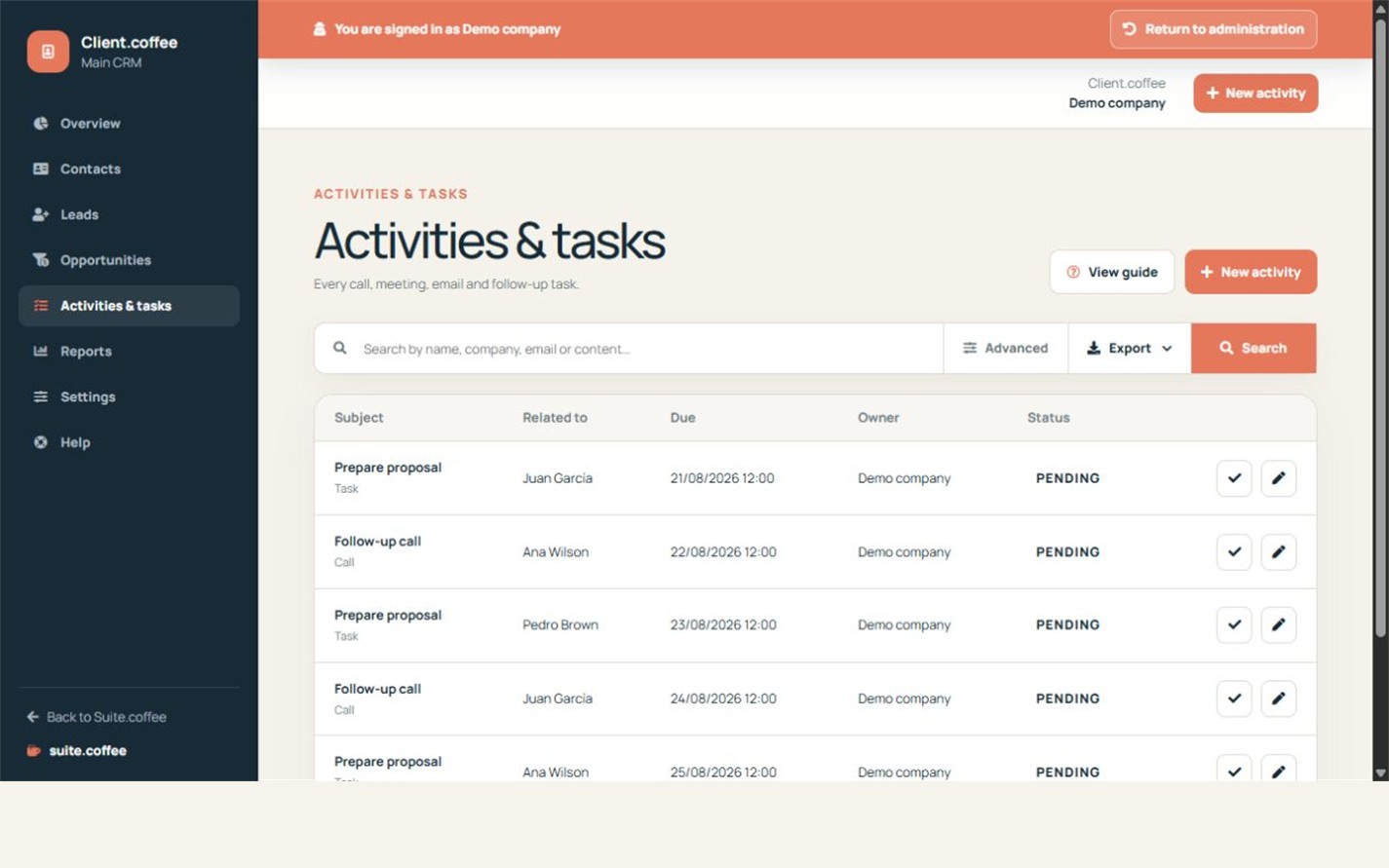
Use task, call, meeting, email or note according to what happened or must happen. Set priority, due date, owner and a concise description.
Relate it consistently
An activity can reference a customer, contact, lead or opportunity, but the selected records must belong to the same organisation and CRM instance where required.
Close the loop
Complete the activity when the action really finishes, cancel it when it is no longer needed, or change its due date when follow-up moves. This keeps dashboard priorities and reports meaningful.
Step by step
- Open Activities and create a record.
- Choose task, call, meeting, email or note.
- Relate compatible customer, contact, lead or opportunity.
- Set owner, priority and due date.
- Complete, cancel or reschedule when reality changes.
Final check
- The related records are compatible.
- The due date is actionable.
- Finished work no longer distorts the overview.
Tip: Use a concise subject that tells the assignee what outcome is expected.