










Maintain one shared identity and use the authorised 360º context to prepare the next interaction.
Before you start
- Search by name, company, email and phone.
- Confirm whether the person belongs to an existing customer.
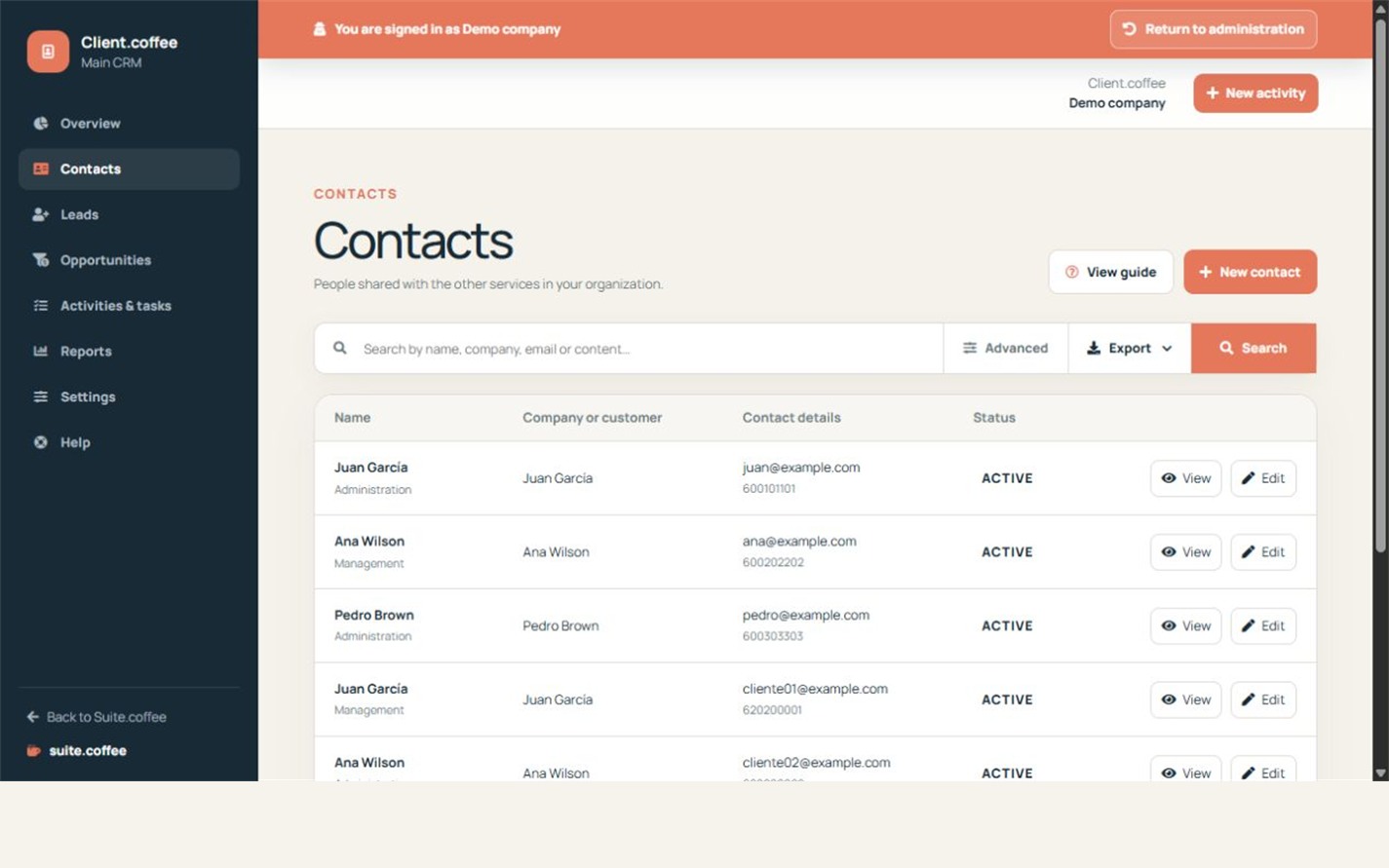
Search before creating
Contacts belong to the organisation rather than to one CRM instance. Search by name, company, email or phone before adding a person, because edits affect the shared identity used by connected services.
Link the correct customer
A contact may belong to a shared business customer and can be marked as its primary contact. Keep company, role, language and contact details accurate.
Use the 360º view within its boundaries
The profile combines CRM opportunities and activities with appointments, estimates and invoices only from active, authorised connections in the same organisation. Client reads that context; it does not create those appointments, documents or payments.
Step by step
- Open Contacts and search first.
- Create or edit the shared person only when needed.
- Link the correct customer and primary-contact flag.
- Open the contact detail.
- Review commercial activity and authorised connected context.
Final check
- No duplicate identity was created.
- Company and contact details are current.
- Connected records are read only within Client.
Tip: Editing a shared contact can affect every authorised service that reuses that identity.