










Capture enough context to qualify interest and convert it without losing its origin.
Before you start
- Search for an existing lead or contact.
- Confirm source, owner and next action.
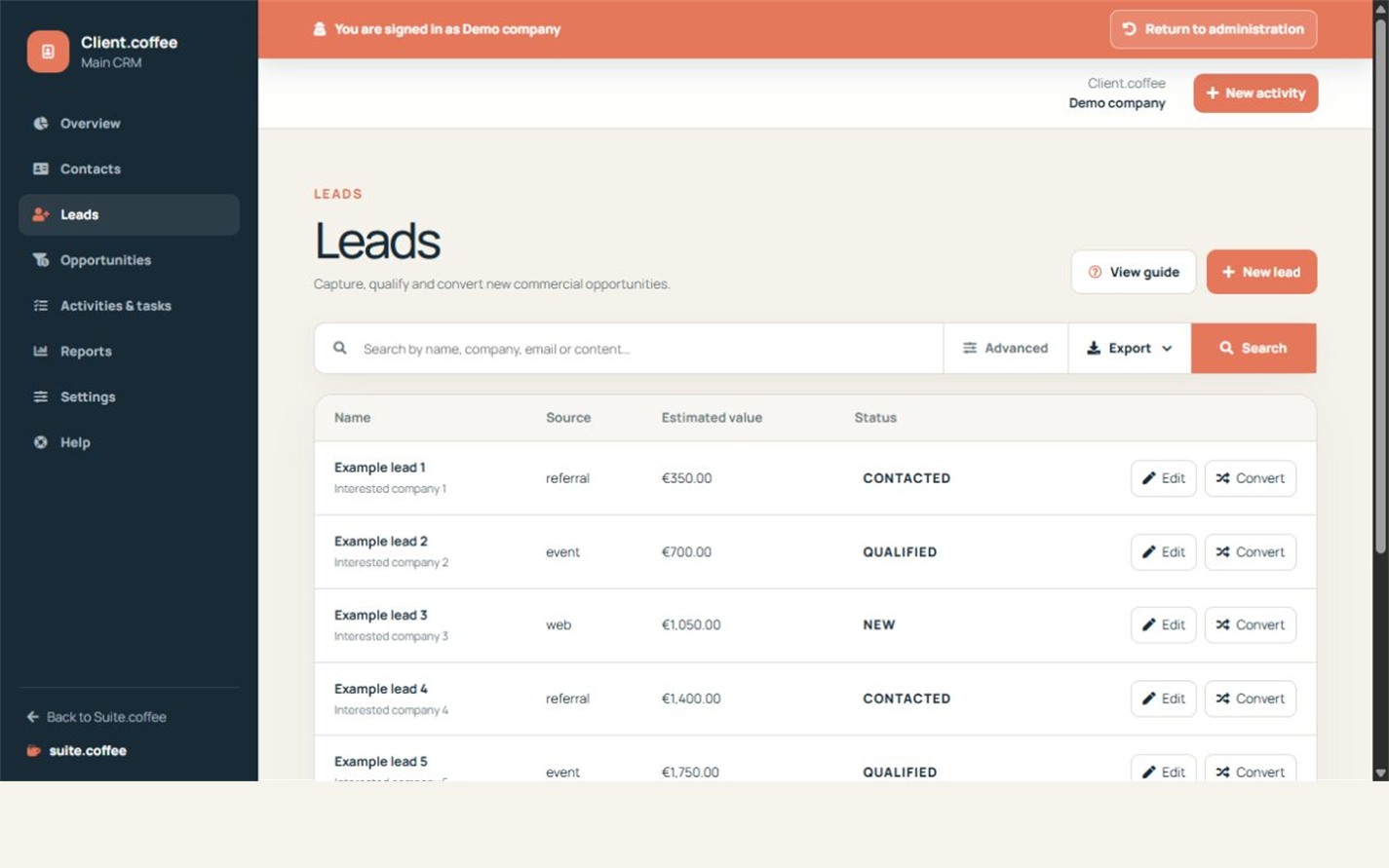
Capture useful context
Record name, company, contact details, source, interest, estimated value, owner, next action and notes. Update status as the lead moves from new to contacted, qualified or disqualified.
Convert only when qualified
Conversion creates or reuses the shared customer and contact, then opens an opportunity in the first stage of the selected pipeline in one transaction. The source lead remains marked as converted for traceability.
Avoid unsafe merging
Client reuses a contact when a reliable email match exists. Leads without email are not silently merged, so review the generated person and customer after conversion.
Step by step
- Open Leads and create or edit the record.
- Enter identity, source, interest and estimated value.
- Assign an owner and next action.
- Move the status as qualification progresses.
- Convert only when qualified and review the generated records.
Final check
- A reliable email match was reviewed.
- The source lead remains traceable.
- The new opportunity uses the intended pipeline.
Tip: Do not convert incomplete interest merely to remove it from the lead queue.